Content types that
match your site
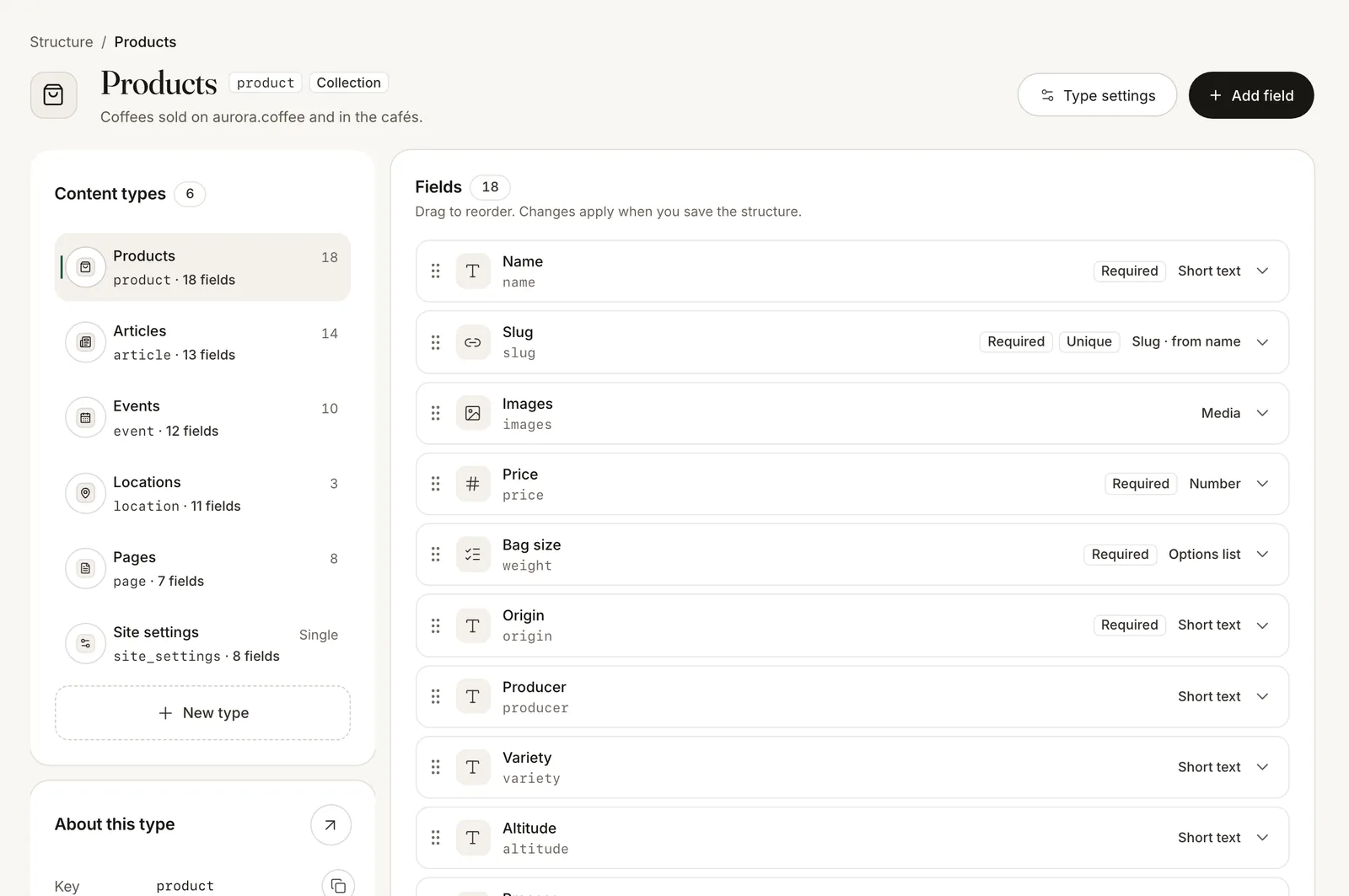
Collections for products, articles or events; single entries for settings and pages. Add fields, reorder them with the mouse or the keyboard, and rename them without losing data.
- 20 field typesText, rich text, numbers, dates, media, references, lists, groups, embeds, colours, links and JSON.
- Validation built inRequired, unique, limits and patterns are checked on every save, in every language.
- Protected fieldsLock the fields your code reads, so a client can relabel them but not break them.
A form your editors
understand
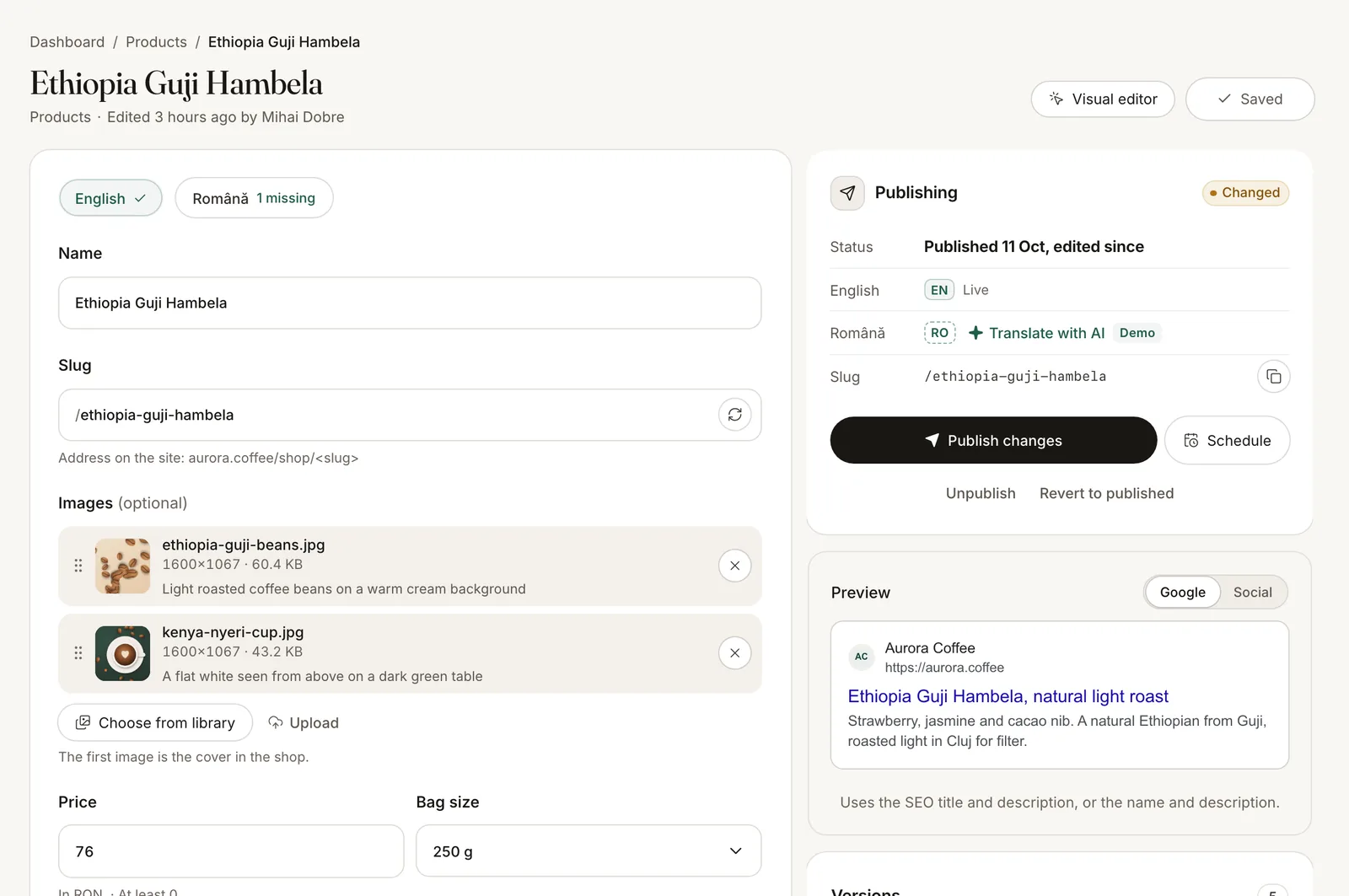
Every type gets its own form, with help under each field, a Google and social preview, and saving that survives a reload.
- Several languagesTranslate field by field. A language is published only when its required fields are filled.
- Versions and restoreEach save is a version. Compare two and bring one back.
- Safe with two editorsIf someone else edits the same entry, you get a warning instead of an overwrite.
Publish
on a timer
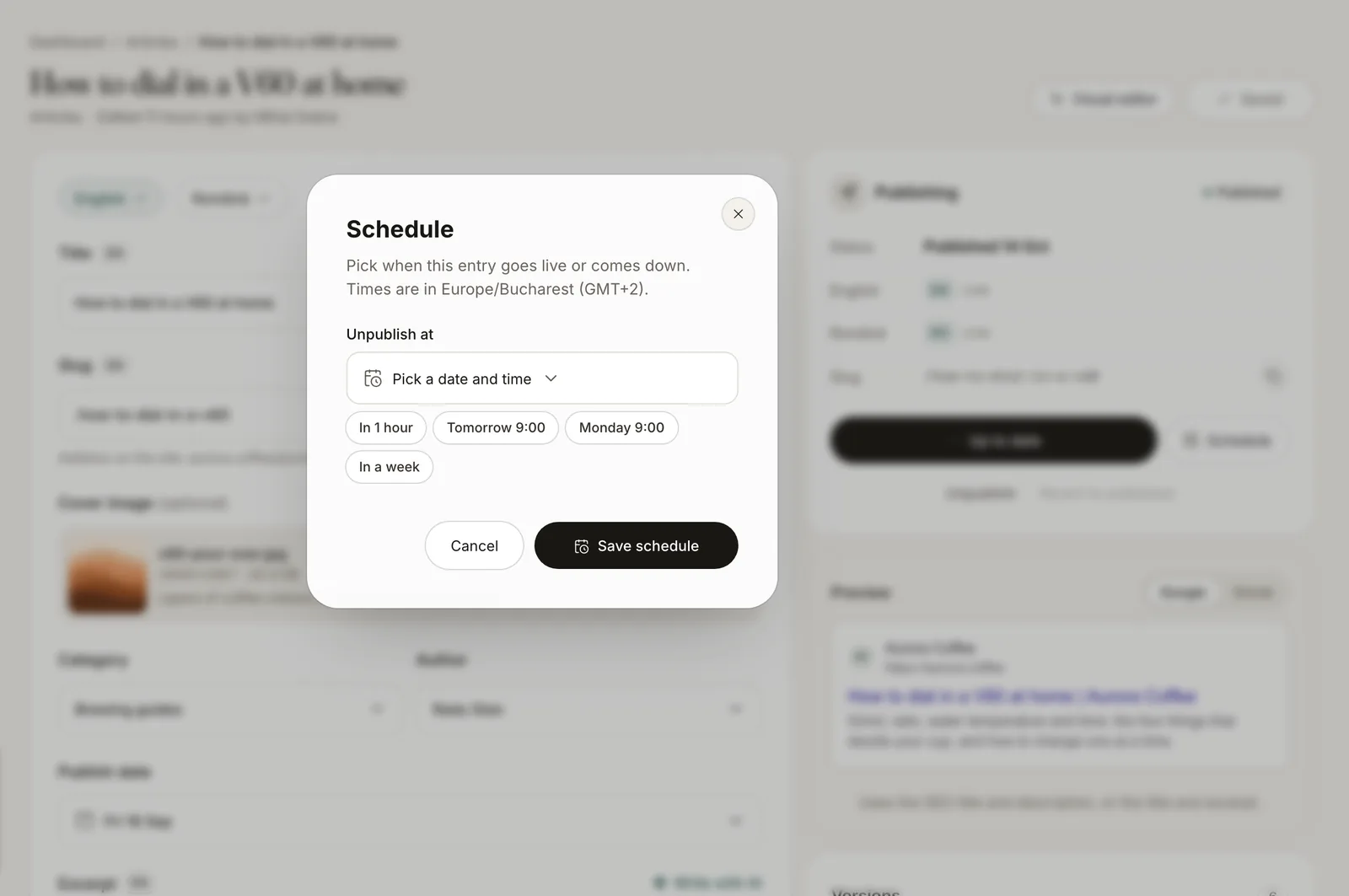
Pick a time for an entry to go live or come down. The dashboard shows what’s coming up, and the activity shows who scheduled what.
- Publish at a set timePrepare it on Thursday, let it go live on Sunday morning.
- Take it down laterA campaign page can unpublish itself when the offer ends.
Bring your content
with you
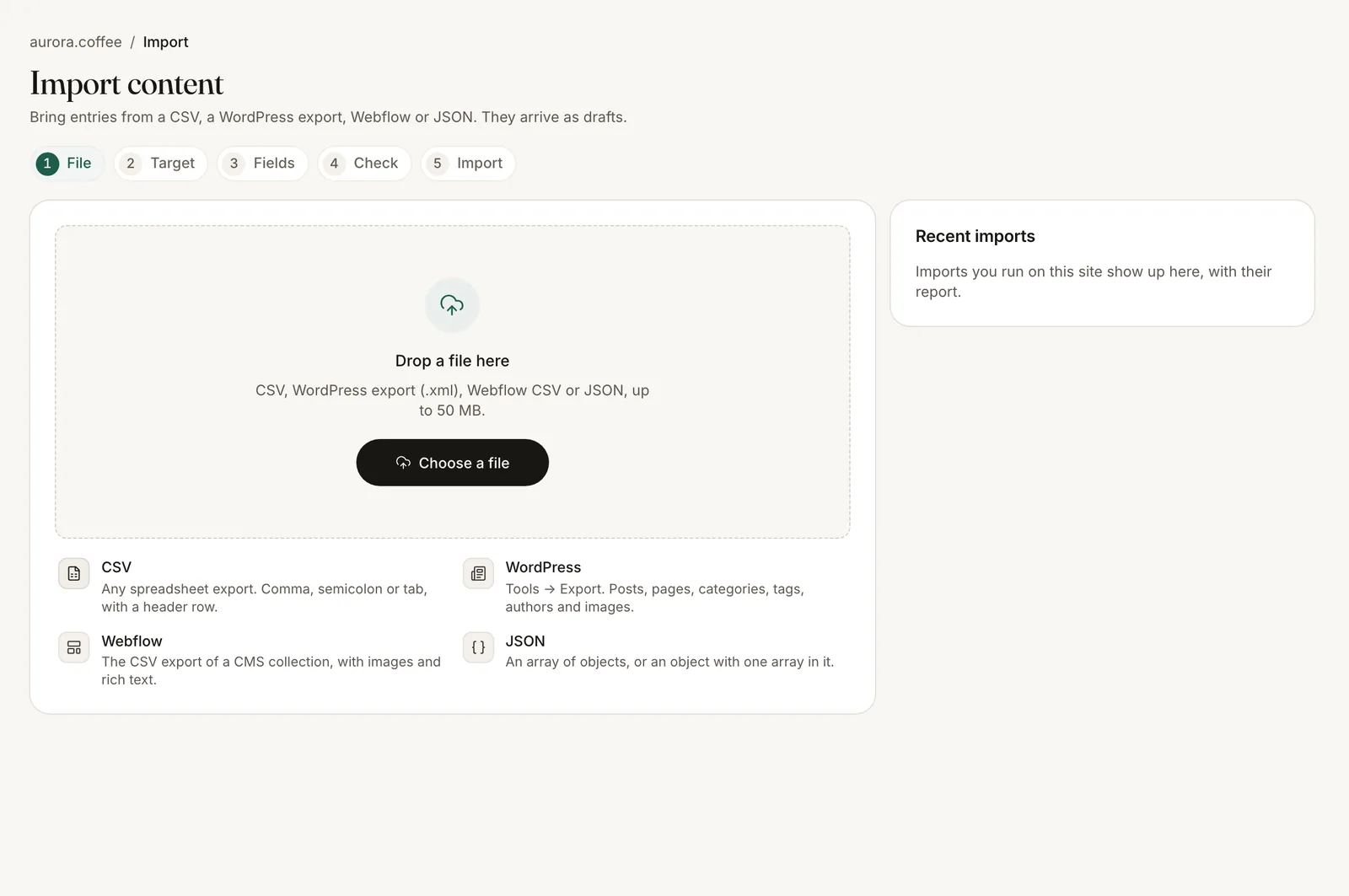
Move from WordPress, Webflow, a spreadsheet or JSON. Match columns to fields, check a dry run of the first rows, then import.
- Four sourcesCSV, a WordPress export, a Webflow CSV and JSON.
- A dry run firstSee the first rows converted, with every problem listed, before anything is saved.
- Images come alongRemote images are fetched into your media library and linked to the entries.
Start from a template,
not a blank page
Each template sets up the content types, fields and sample entries for a kind of site. Change anything afterwards.
Business
Services, team, testimonials and FAQ.
Blog and magazine
Articles, authors, categories and tags.
Church
Sermons, series, speakers, events, campuses and ministries.
Nonprofit and foundation
Projects, campaigns, stories, partners and reports.
Restaurant and café
Menu items, menu sections, locations and events.
Portfolio and agency
Projects, services, clients and team.