Everything a media
library should do
Big and many uploads
Drop many files at once. Large ones go up in parts, so a PDF or a video arrives whole.
Folders and search
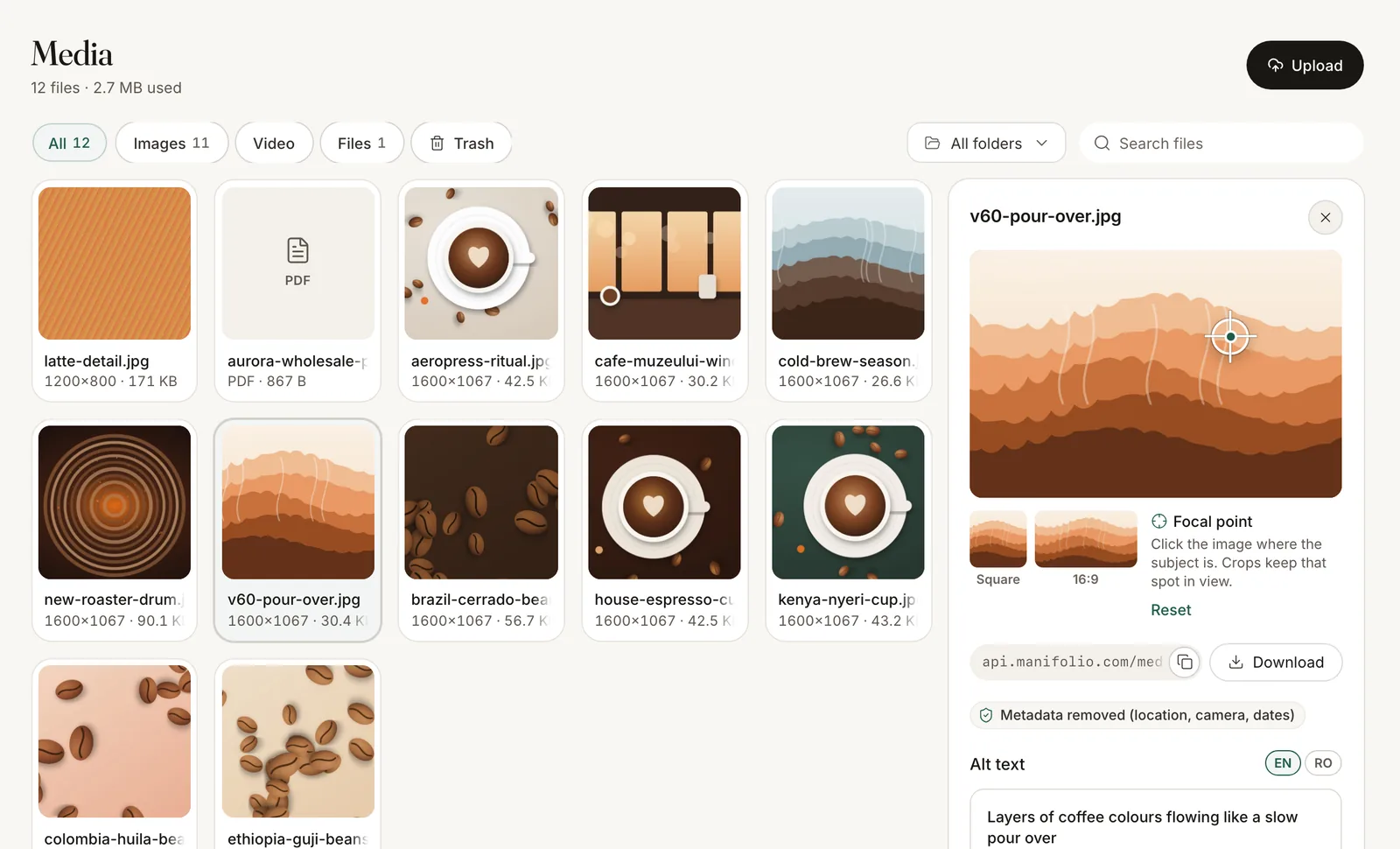
Sort files into folders and find them by name or alt text.
Alt text in every language
Alt text and captions per language, with an option to make alt text required.
A focal point
Click the subject once. Every crop keeps it in view.
Smooth loading
Every image comes with a blurhash, a tiny preview and its main colour.
A 30-day trash
Deleted files can be restored for 30 days, and you’re warned when a file is still in use.
The right size
for every screen
Add width, height, quality and format to any image address. format=auto picks AVIF or WebP for each browser, and a cover crop starts from the focal point.
- Cached for a yearEvery size is cached at the edge and marked immutable.
- Usable from any siteImage addresses work across origins, so any site or app can show them.
ProductImage.astro
---
const [image] = product.images;
const src = (w: number) => `${image.url}?w=${w}&fit=cover&format=auto`;
---
<img
  src={src(800)}
  srcset={`${src(800)} 800w, ${src(1600)} 1600w`}
  sizes="(max-width: 800px) 100vw, 800px"
  width={image.width}
  height={image.height}
  alt={image.alt}
/>Pick from the library
inside any field
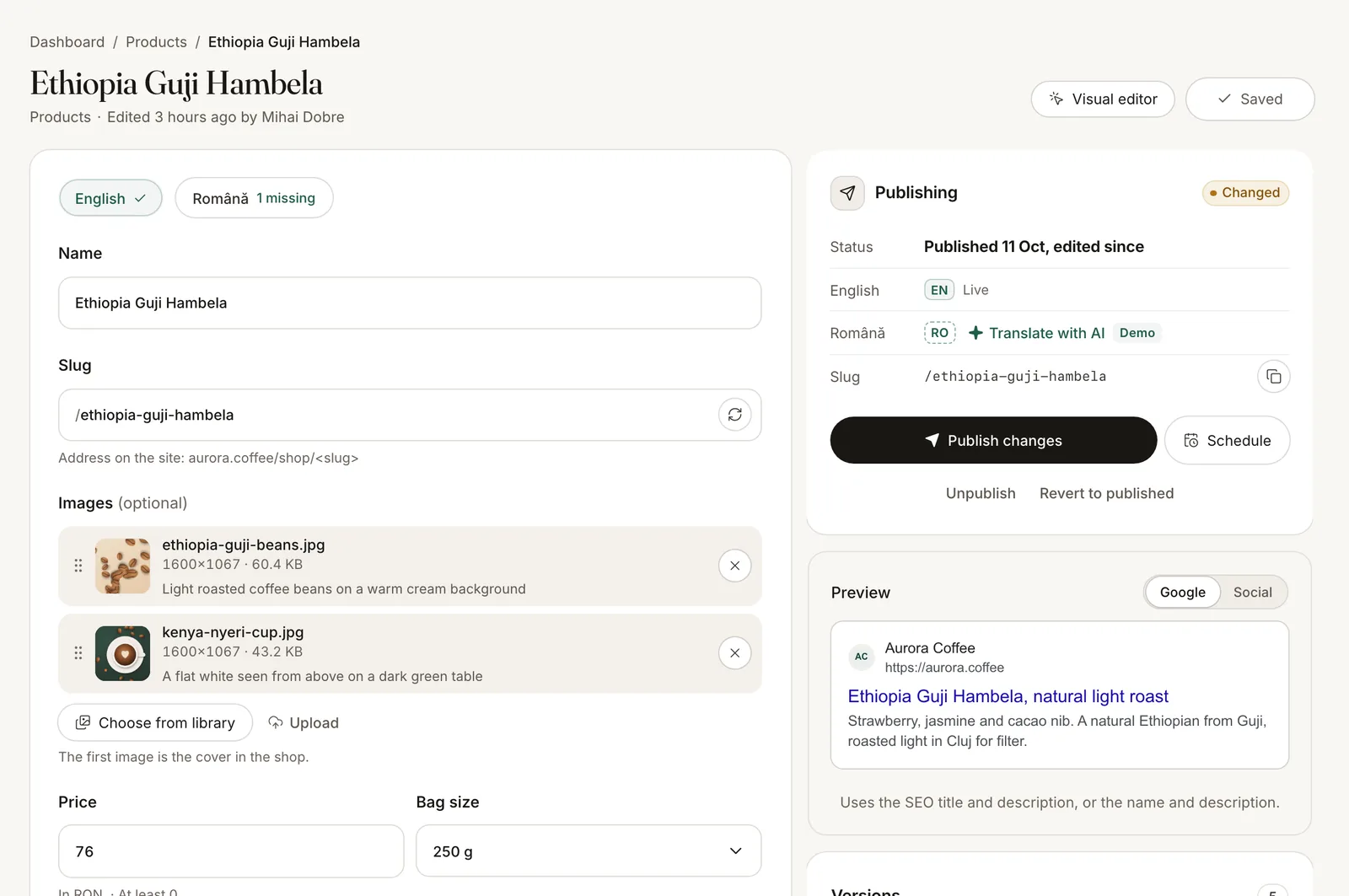
Media fields and rich text open the same library, so editors reuse what is already there instead of uploading copies.
- Media fieldsOne image, a gallery or files, limited to the kinds you allow.
- Images in rich textInsert an image with a caption between paragraphs. It arrives as JSON and as clean HTML.
- Video embedsPaste a YouTube or Vimeo link. YouTube plays from its privacy-enhanced domain.